WiFeed - IT Centar
Mobile apps

WiFeed

A complete IoT solution for smart pet feeding

For WiFeed, we developed a complete hardware and software system for automating and monitoring pet feeding — from the smart feeder itself and the electronics that control it, to the mobile app through which users manage the device.

The goal of the project was to make the physical device and the mobile experience work as a single product, enabling pet owners to easily plan meals, control food portions, and manage feeding remotely.

From concept to a connected IoT product

WiFeed was not a project where we developed only an app for an already existing device. Our team took part in developing the entire product — from the physical smart feeder and electronics, to the software and mobile user experience.

This approach made it possible to develop hardware and software in parallel, as parts of one system. The way the device dispenses food, connects to the internet, and exchanges information with the app had to be aligned with how the end user would use the product every day.

The result is a connected system in which the physical device handles automated feeding, while the app gives users simple control and an overview of the most important information.

WiFeed

Reliable remote control of a physical device

With a standard mobile app, most user actions end within the software itself. With WiFeed, an action started on the phone needs to produce a concrete result on a physical device.

That is why one of the key challenges was ensuring reliable communication between the feeder, the server system, and the mobile app, along with clear feedback to the user about the device’s current status.

At the same time, we needed to design a system flexible enough for different feeding modes, while keeping everyday use simple and intuitive.

WiFeed
WiFeed

A smart feeder developed as part of a unified system

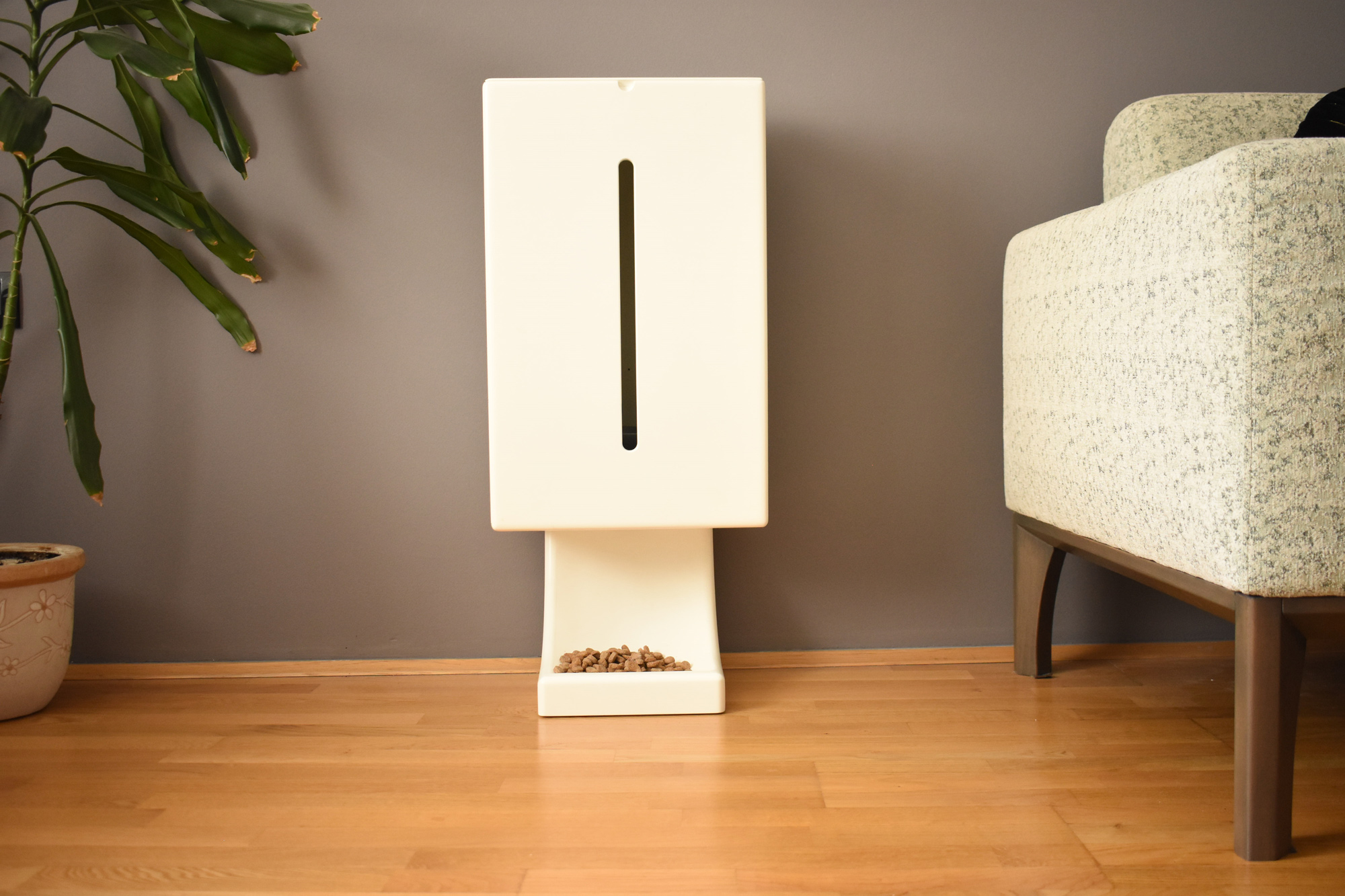
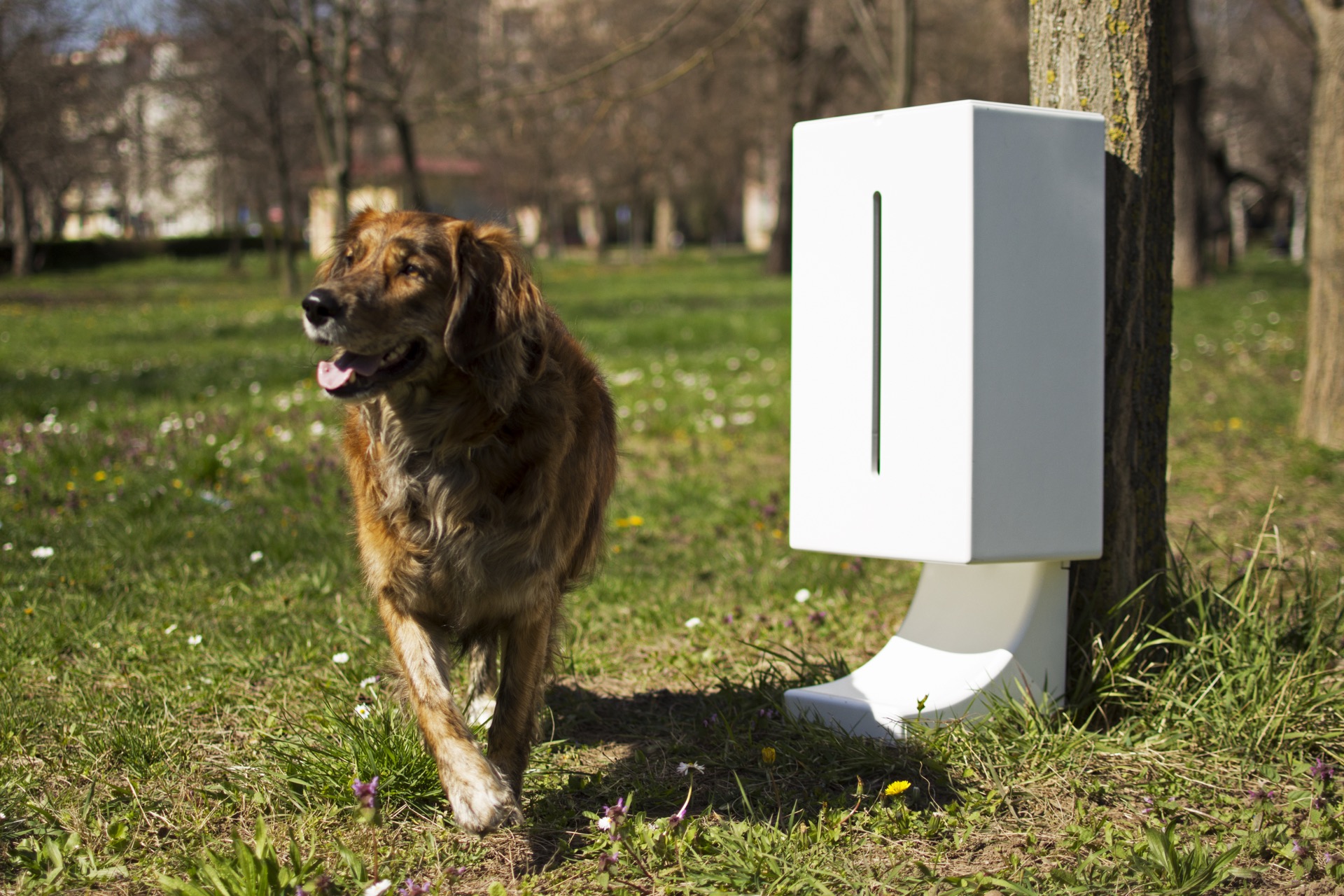
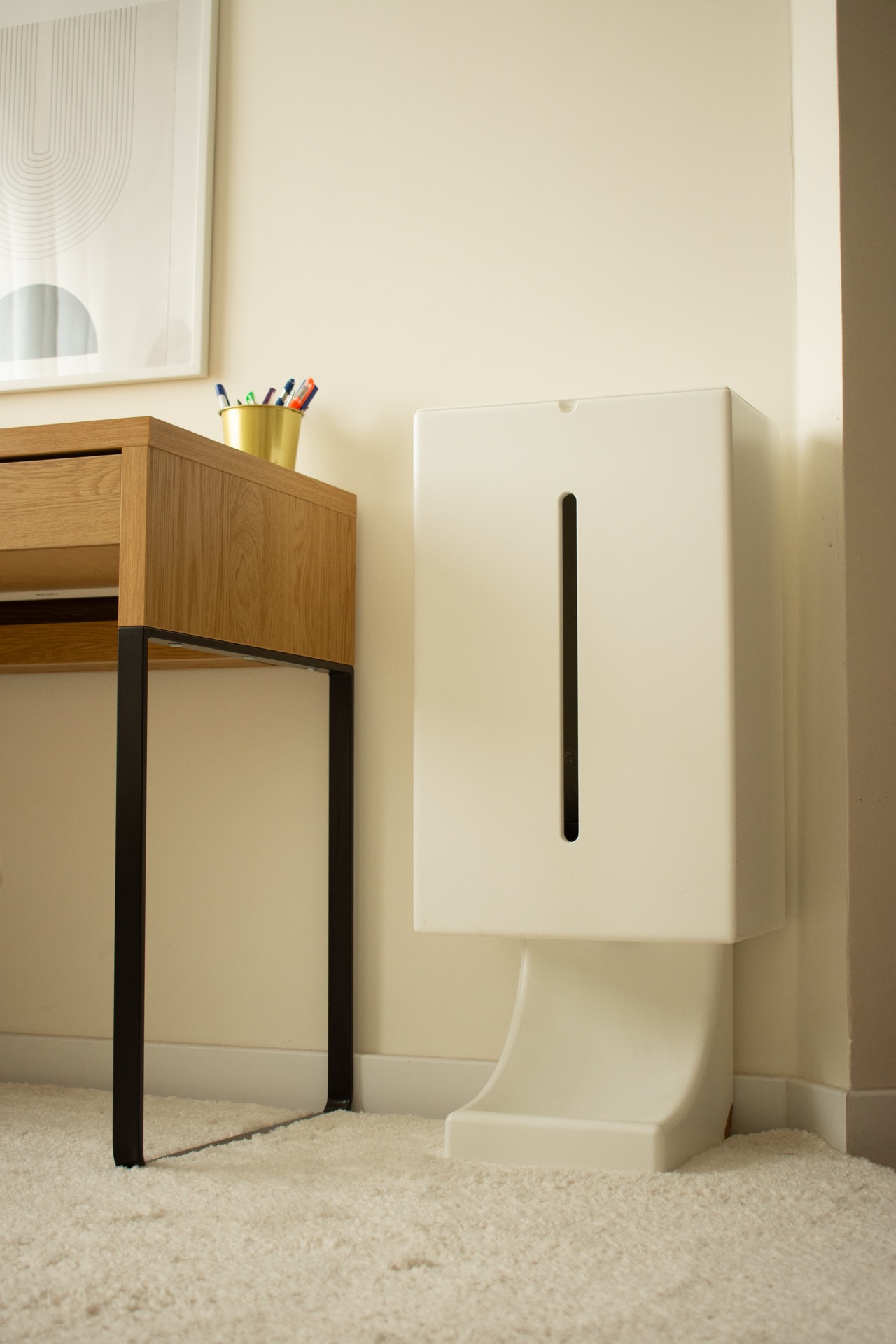
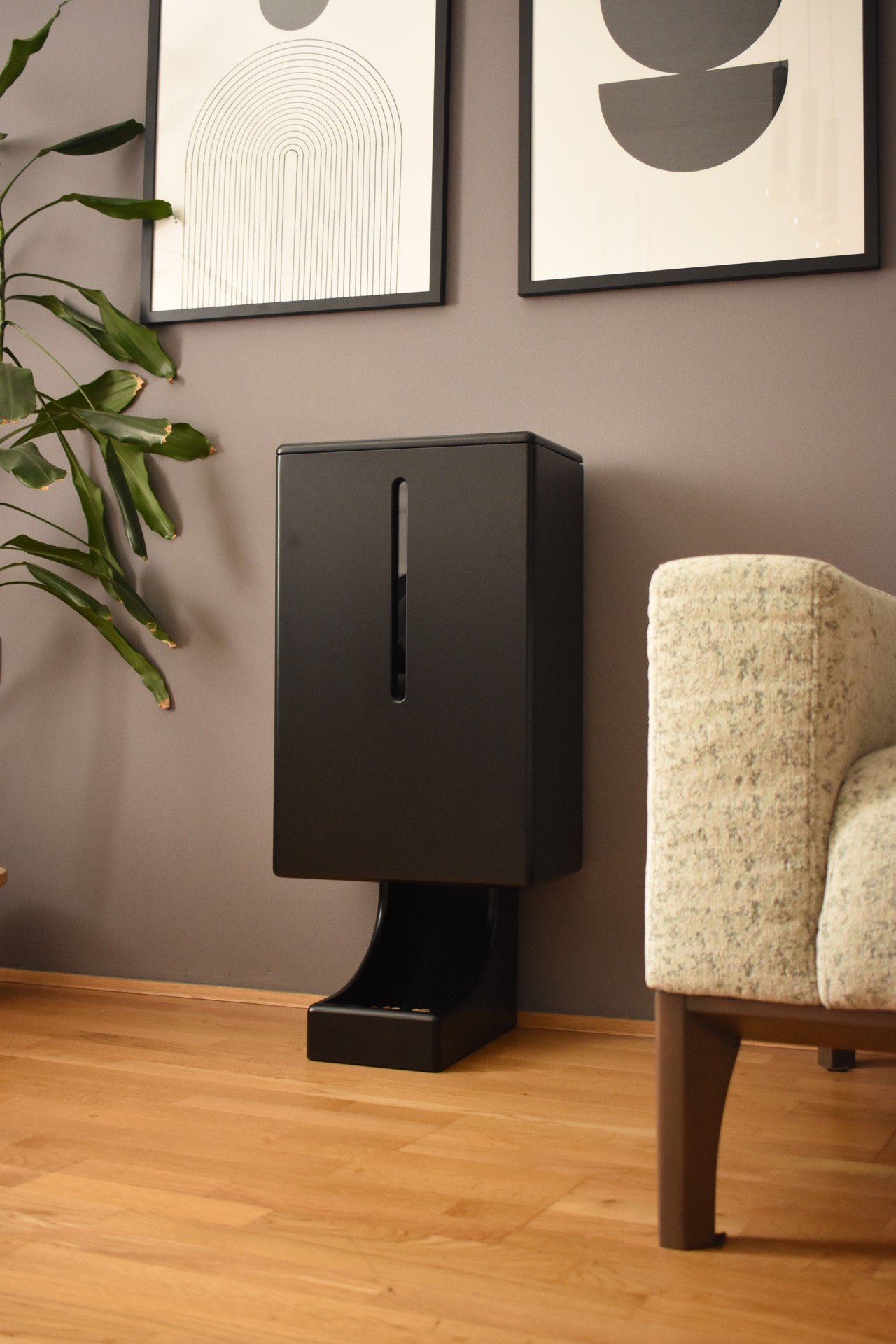
For the WiFeed project, we developed the hardware component of the smart feeder and the electronics that control its functions.

The device was designed so it can automatically dispense a predefined amount of food according to a schedule set by the user in the app, while also responding to remote commands.

Particular attention during development was given to the reliability of the dispensing mechanism, device control, and communication with the rest of the WiFeed system. From the start, the hardware was developed alongside the software so that the final product would function as a whole, rather than as a set of connected components added later.

WiFeed
WiFeed

Complex technology behind a simple interface

The user should not have to think about how the app communicates with the feeder or what happens in the background after setting a new meal.

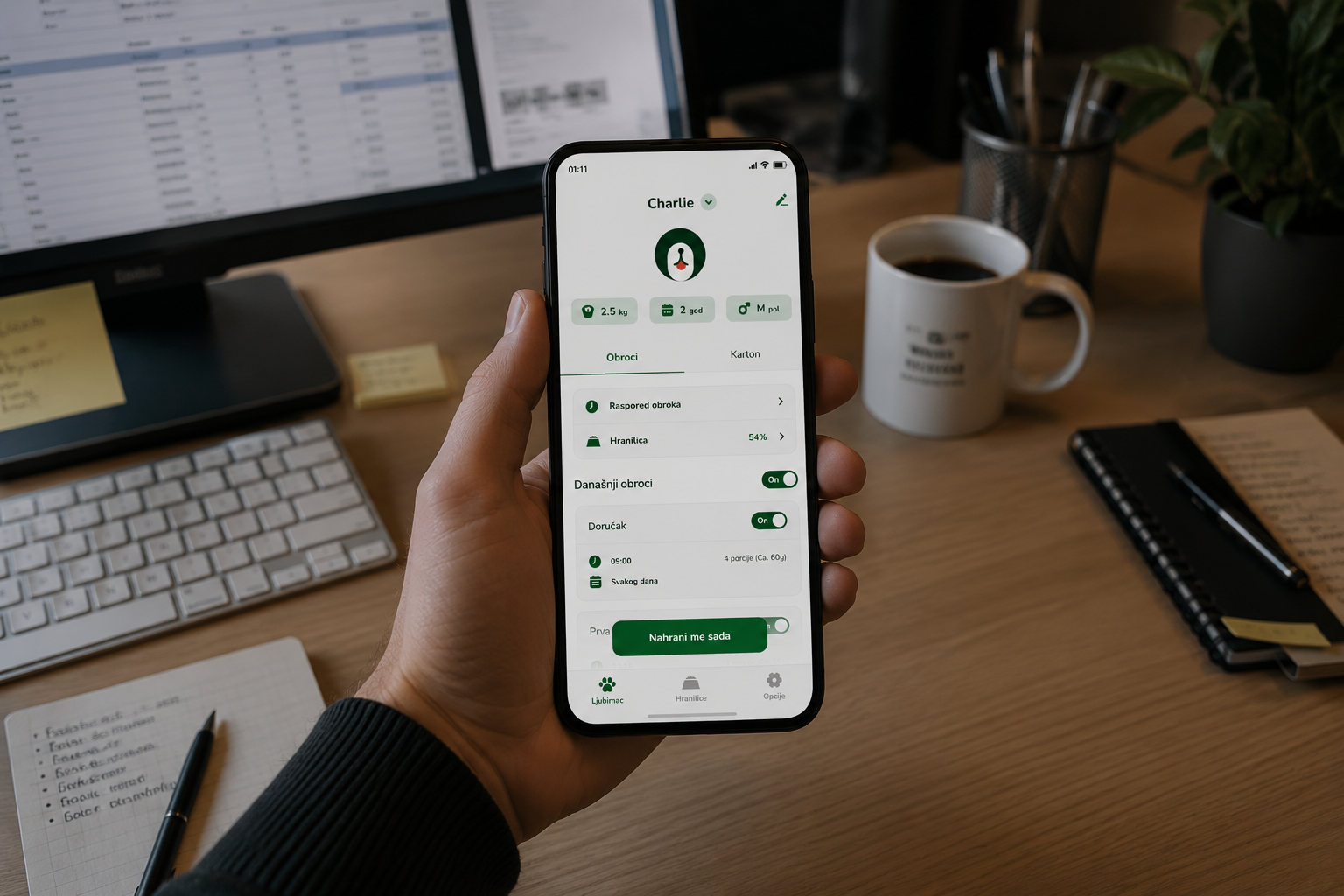
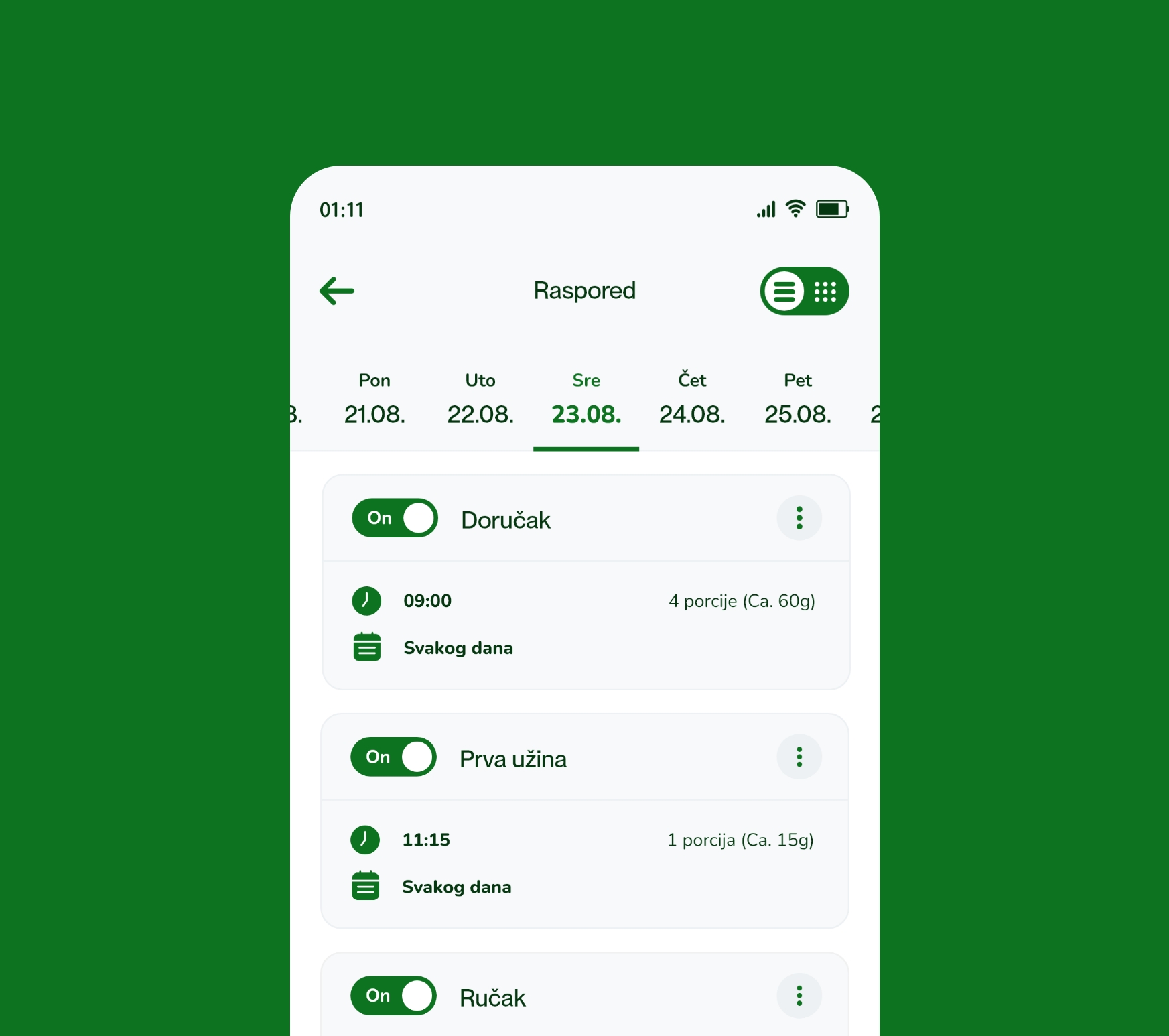
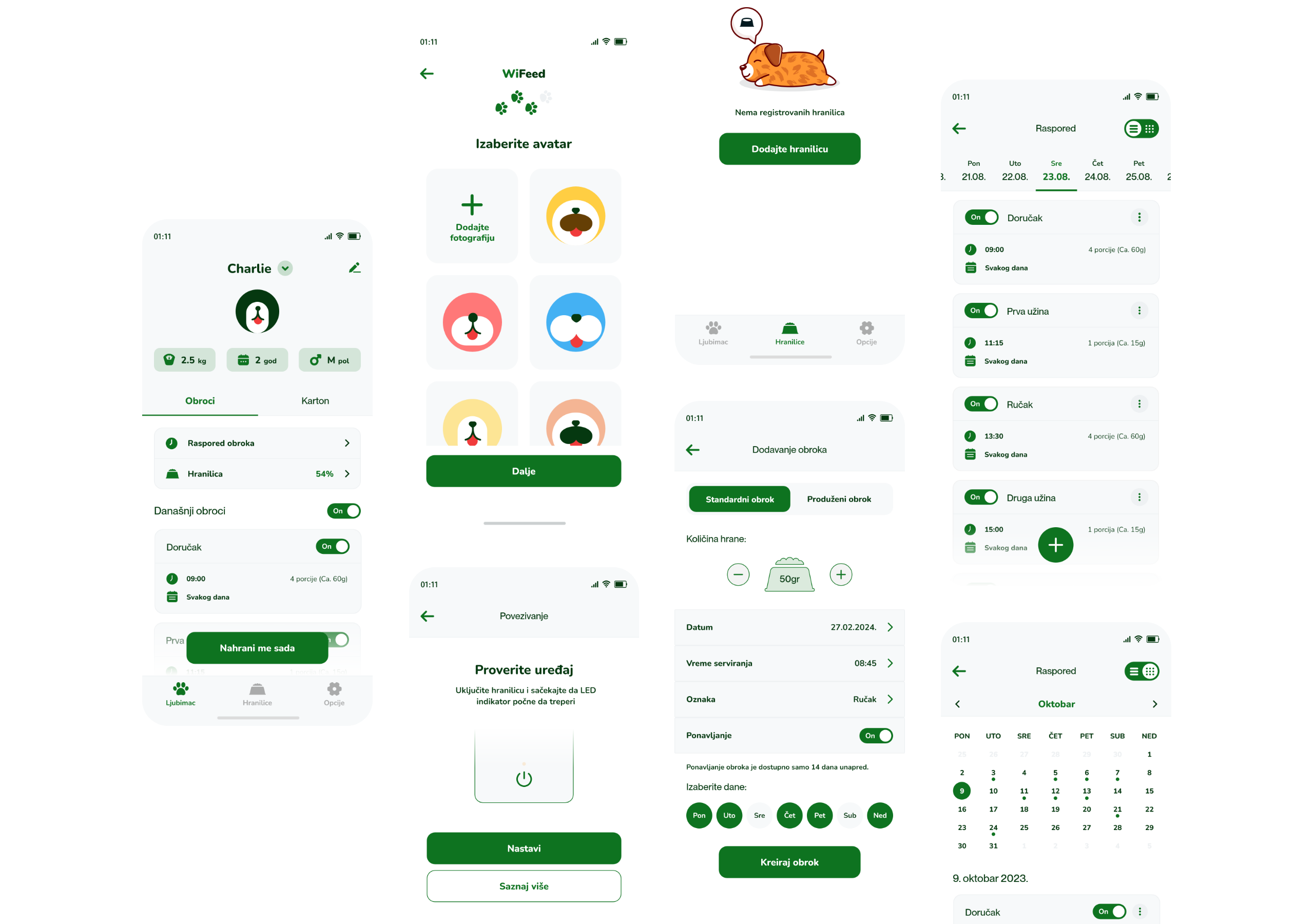
That is why the UX/UI design focuses on a few key everyday actions: viewing the device, creating feeding schedules, setting food portions, manually starting a meal, and tracking the feeder’s status.

Information is organized so users can understand the current system state at a glance, while more advanced options are available when they are actually needed.

WiFeed

Full control over feeding, wherever you are

Automated feeding

Meal schedule and portions under user control

One of the core functions of the WiFeed system is the ability to define a feeding schedule in advance.

Through the app, the user sets when the pet will receive a meal and how much food should be dispensed. Once configured, the feeder automatically follows the defined schedule without requiring the user to start feeding each time.

In this way, WiFeed helps maintain a consistent feeding routine even when the owner is not at home.
Remote control

Feeding available directly from your phone

In addition to the predefined schedule, the user can manually start feeding at any time through the mobile app.

The app also provides an overview of the connected device’s status and relevant operating information, giving the owner control over the feeder even when away from home.

This makes the mobile phone the central interface between the owner and the physical WiFeed device.

From first power-on to an online device

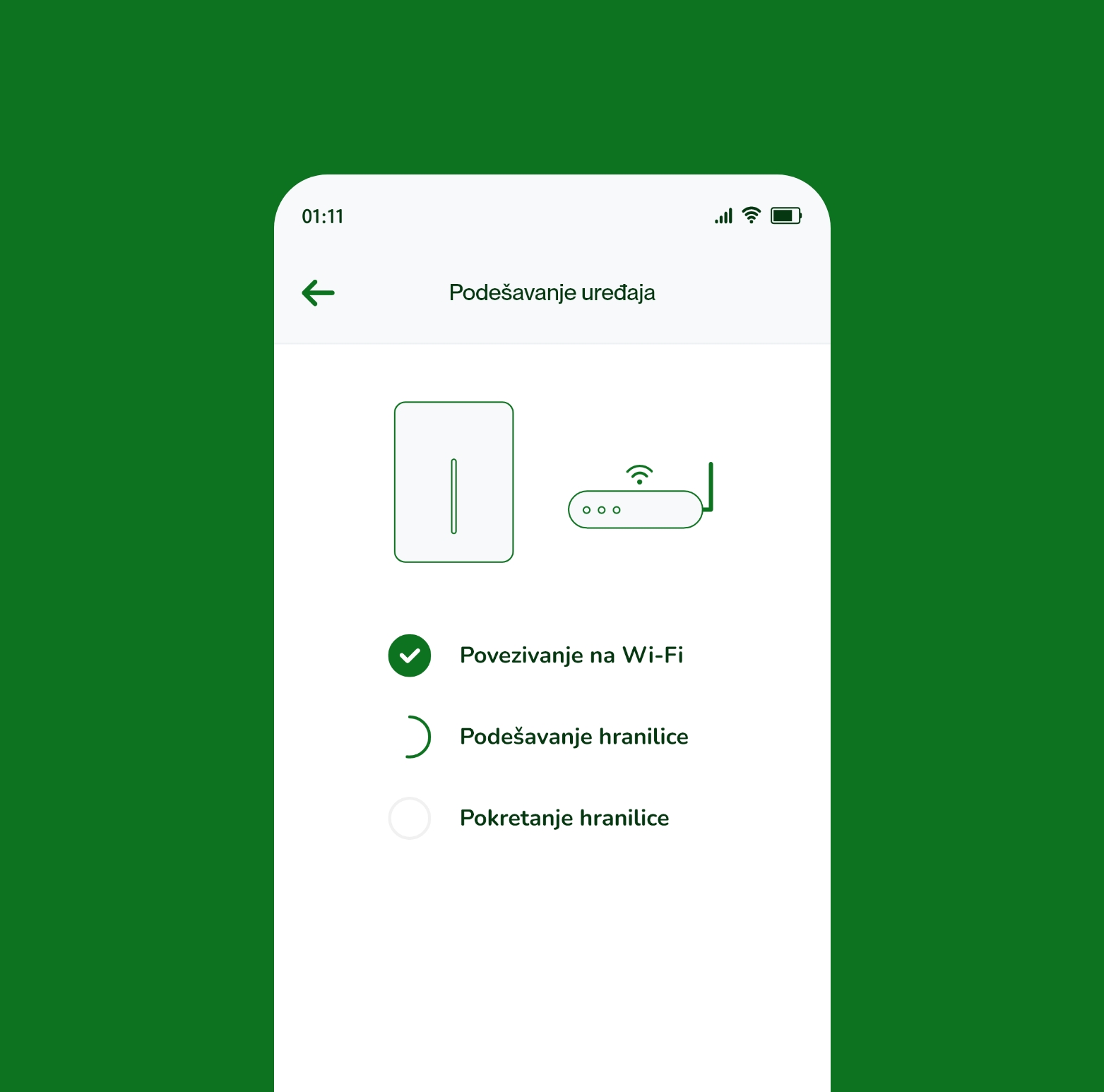
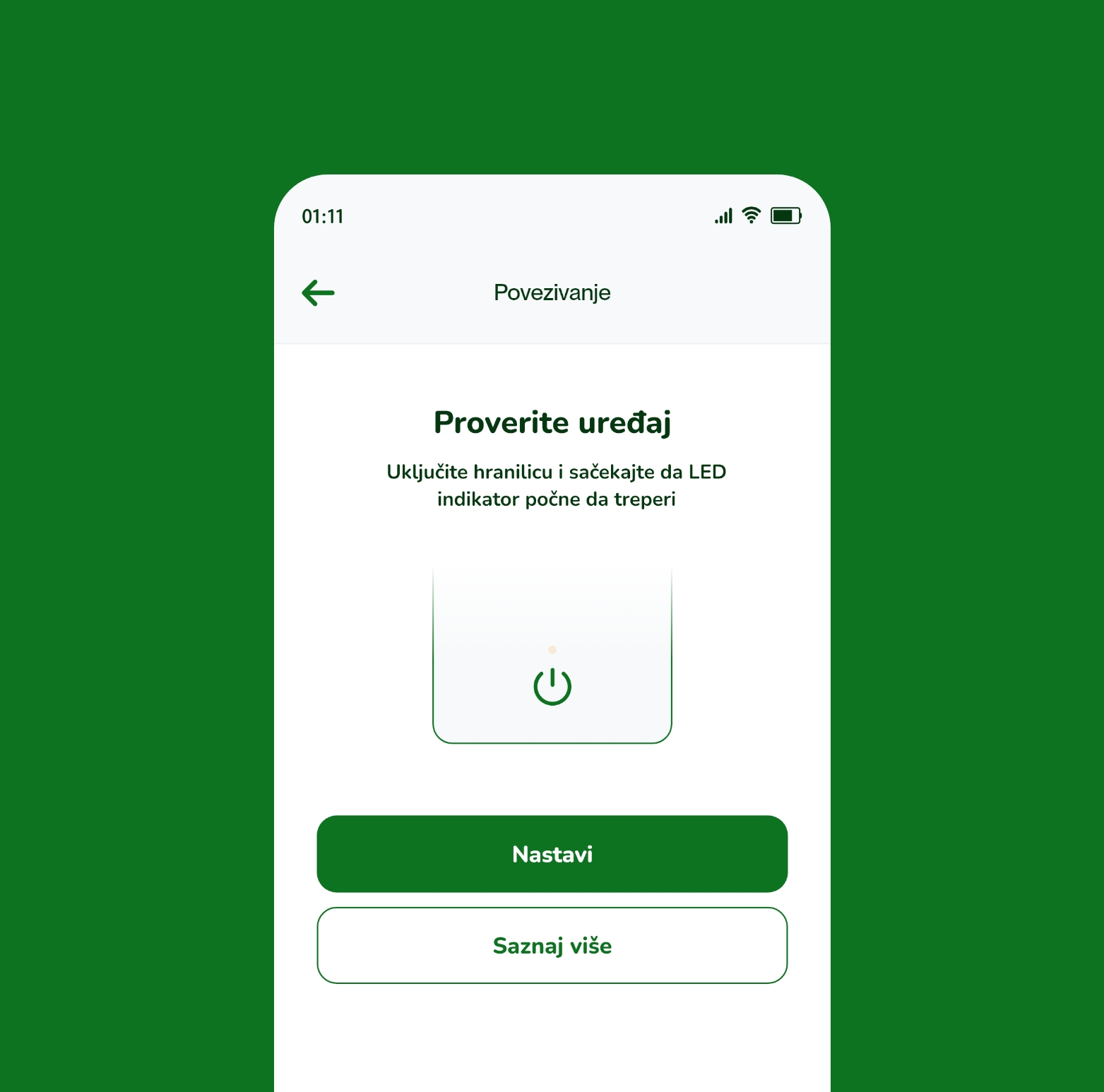
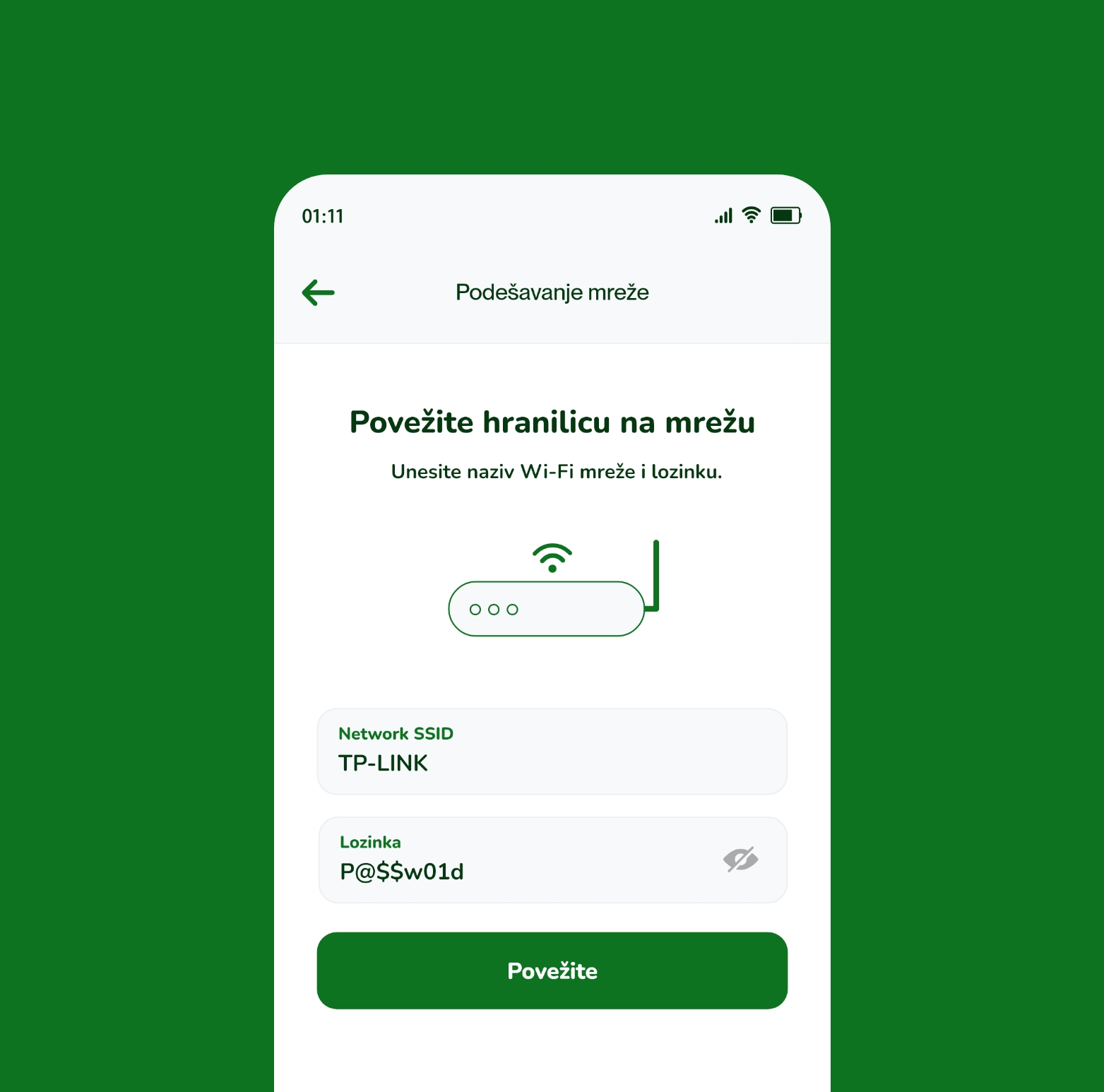
An important part of the user experience is the initial connection of the physical device to the WiFeed system.

The process was designed to guide the user through connecting the feeder to a Wi-Fi network and preparing the device for use. After successful setup, the feeder becomes part of the user account and its functions are available directly through the app.

Special attention was given to this process because the first interaction with the device has a major impact on the overall impression of an IoT product.

WiFeed
WiFeed
WiFeed

The app as the central point of the WiFeed ecosystem

The mobile app was developed as the main user interface for the entire WiFeed system.

It connects the user account with the physical feeder and enables data and command exchange between the user and the device. Through the app, feeding parameters are configured, commands are sent to the device, and information about its current status is displayed.

During development, special focus was placed on communication stability and proper handling of different device states, so the user always has a clear understanding of whether a given action was successfully completed.

Testing the software and physical device as one system

With IoT products, the QA process does not end with checking the mobile app interface.

Testing covered complete user scenarios and communication between the app and the physical feeder — from initial device pairing, through schedule creation and automated feeding, to manual command sending and different device statuses.

This approach verified the behavior of the entire system under conditions that match everyday use.

Hardware and software combined into one product

The result of the project is a complete IoT product that connects a custom-developed smart feeder with mobile software and gives owners simpler control over their pets’ feeding.

WiFeed automates the daily feeding process, enables more precise meal scheduling and portion control, and gives users the ability to manage the physical device directly from their phone.

For our team, the project represents a combination of hardware development, IoT technology, UX/UI design, and mobile app development — from the physical device to the digital experience used by the end user every day.

WiFeed